A talk deck
The job: a forty-minute lecture on gradient descent, presented live from a laptop, with speaker notes on a second screen, a formula, some code, a figure that draws itself, and a PDF of the slides for the students afterwards.
Start from the template#
A template is a finished kind of artifact with its content marked for replacement. Seven ship with Auditorium:
auditorium template list
dashboard  KPI tiles, a chart, a table and filter chips over data (page)
           A dashboard someone opens in a browser: three key numbers, a bar chart, a table and chips that filter them, drawn from data embedded in the page or fetched live from an endpoint declared in auditorium.toml.
explainer  a narrated landscape video, 1 to 6 minutes (explainer)
           A video that explains one idea out loud: a question, a statement, a figure, a comparison, numbers, a closing line, each beat with its narration clip. Rendered to mp4.
pitch      an institutional or product deck (deck)
           A pitch to partners, clients or funders: big statements, stats, a photo, partner logos, a closing ask. The presenter advances it.
poster     a single still for a feed or a print (square, portrait, story)
           An announcement, a result or an event: a kicker, a headline, a line of text, up to three numbers. Exported as one PNG.
report     a long document with figures, printed to A4 (page)
           A report, a brief or a write-up someone reads on a screen or on paper: a title, sections of prose, a figure, a table, a chart. Exported as an A4 PDF.
short      a vertical video, 15 to 60 s (short)
           A clip for Reels, TikTok or Shorts: a hook, a number, a line, a call to action, over a music bed that ducks under optional narration. Rendered to mp4.
talk       a technical talk, presented live (deck)
           A lecture or conference talk: title, parts, statements, steps, a figure, math, code. The presenter advances it.
7 templates; auditorium template show NAME prints one
template show prints what a template is for and the index.html it copies;
template new copies it into a new folder. The folder is yours from then on:
a later version of Auditorium never rewrites it.
auditorium template show talk | head -4
auditorium template new talk build/my-talk
talk: a technical talk, presented live
A lecture or conference talk: title, parts, statements, steps, a figure, math, code. The presenter advances it.
formats: deck (the first is the default)
files: assets/logo.svg, index.html, theme.css, plus auditorium.toml and README.md
  build/my-talk/README.md
  build/my-talk/assets/logo.svg
  build/my-talk/auditorium.toml
  build/my-talk/index.html
  build/my-talk/theme.css
5 files written to build/my-talk from template talk, format deck; next: auditorium preview build/my-talk
Replace what the template marks#
Every element you must replace carries data-placeholder, and the check fails
while one remains, so a half-edited deck cannot pass as finished:
auditorium check build/my-talk | tail -6
echo "exit code $?"
index.html:41  placeholder  error
  section[data-beat="steps"] h2
  "Three steps" is template text to replace
  fix: write the real content, then delete data-placeholder
... 11 more in dist/check.json
19 errors, 0 warnings (structure and layout checked)
exit code 0
The exit code line prints 0 here because tail ran last; the check itself
exits 1. Each finding names the line, the element, what is wrong and the fix.
Write the content, delete the attribute, and run the check again until it
prints 0 errors.
The package keeps each template finished, under example/. The talk's example
is the gradient-descent lecture, and the rest of this chapter works on a copy
of it:
EX=$(python -c "import auditorium.templates as t; print(t.TEMPLATES)")
cp -r "$EX/talk/example" build/talk
auditorium check build/talk
0 errors, 0 warnings (structure and layout checked)
Steps, notes, math and code#
A deck has no clock: the presenter advances it. Each press plays to the next
stop, and a stop is either the start of a beat or a data-step inside it:
<section data-beat="title" class="title">
  <span class="kicker">Lecture 3, Machine Learning</span>
  <h1 data-enter="words">Gradient descent, one step at a time</h1>
  <p data-in="0.8" data-enter="fade">How a ball finds the bottom of a valley</p>
  <aside class="notes">Open with the picture of a ball rolling downhill.</aside>
</section>
<section data-beat="steps">
  <h2>The loop</h2>
  <ol>
    <li data-step="1" data-enter="rise">Measure the slope where you stand</li>
    <li data-step="2" data-enter="rise">Take a small step downhill</li>
    <li data-step="3" data-enter="rise">Repeat until the ground is flat</li>
  </ol>
</section>
data-in="0.8" delays the subtitle 0.8 s after its beat starts. <aside class="notes"> is only shown in the presenter view. Math is TeX inside
class="math", drawn by a copy of KaTeX that ships with the package, and code
is a <pre data-lang="python">, highlighted by a vendored highlighter, so
nothing is fetched while you present:
<div class="math" data-enter="fade">\theta_{t+1} = \theta_t - \eta \, \nabla f(\theta_t)</div>
``` The beat layouts (`title`, `statement`, `figure`)
are classes on the `<section>`; `auditorium help layouts` prints all ten.

## Present it

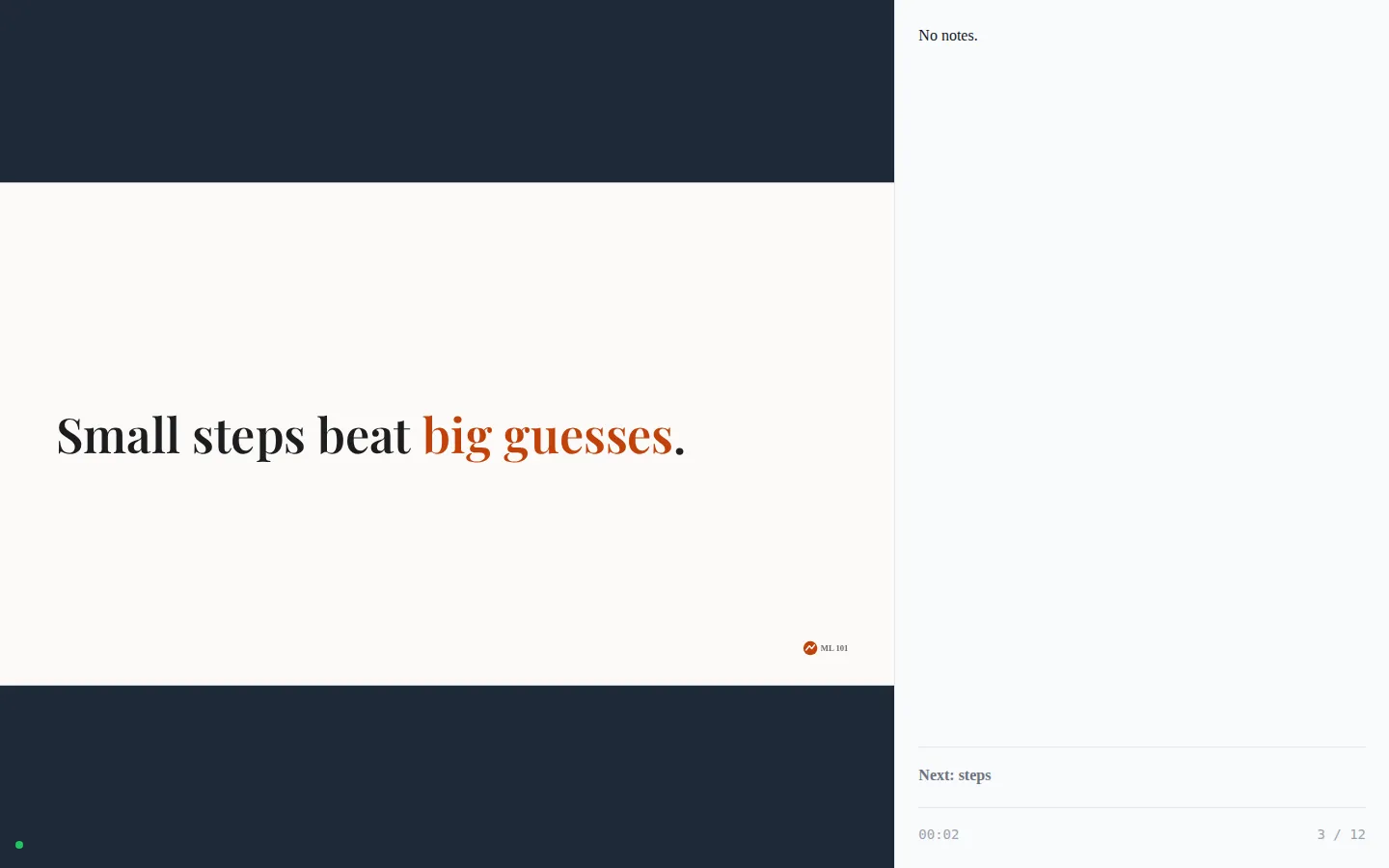
`auditorium run` serves the deck and opens it. With `--presenter` it opens two
tabs, the audience view and the presenter view with the notes, a timer and the
next beat. Every connected browser follows the presenter.

```bash
auditorium run build/talk --presenter
The right arrow, space and Page Down play to the next stop; the left arrow
goes back; f is full screen. A tap on the right of a touch screen goes
forward.
To let people follow from their own devices, --public connects the deck to a
relay and prints a URL:
auditorium run build/talk --public --name gradient-descent
The relay keeps no copy of the deck: it fetches each file a viewer asks for
from your machine, so an edit you save reaches the room. You can run your own
relay with auditorium relay and point the deck at it with --relay HOST:PORT. Speaker notes are part of index.html, so anyone with the URL can
read them in the page source.
Hand it out#
auditorium sheet puts every beat at its end, and frames between them, into
one labelled PNG. It is the fastest way to see a whole deck after an edit:
auditorium sheet build/talk --beats | tail -4
frame    660     7.010 s  math
frame    720     7.511 s  code
frame    787     8.272 s  end
8 tiles in /home/runner/work/auditorium/auditorium/docs/build/talk/dist/sheet.png; auditorium render --from F --to F+1 reproduces frame F
export -f pdf prints one page per beat with every step shown, as text you can
select and search:
auditorium export build/talk -f pdf -o build/talk.pdf
✓ build/talk.pdf
8 pages
And export -f html writes the deck as one file that presents from disk:
auditorium export build/talk -f html -o build/gallery/talk.html
✓ build/gallery/talk.html (font 0.42 MB, image 0.00 MB, script 0.06 MB, style 0.25 MB)
1104302 bytes in 1 file
Open the talk and step through it with the arrow keys.